IntraSoft SPDN

documents

Classified Document Processing System

Multi-workstation operation in a classified environment

The Classified Document Processing System enables physical separation of data with different classification levels (top secret, secret, confidential, restricted) and access to this data from network terminals. It operates as a network-isolated system with a central document repository. It ensures high availability, integrity, and confidentiality of processed documents, and its high level of security has been confirmed by accreditation from the Internal Security Agency (ABW).

SPDN – key features

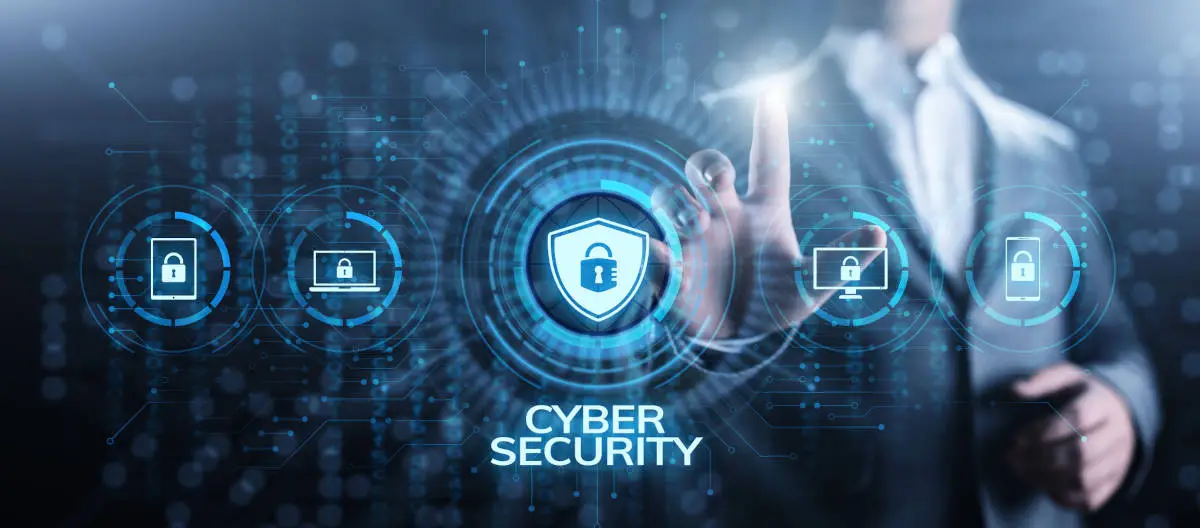
  • Access control Authorization using SmartCard and access control in accordance with user clearances (TS/S/C/R, classified information protection training).
  • Data processing security Physical data separation, terminal limited to the role of a display device – all processing performed on the remote server side, data and communication encryption.
  • Document markings in compliance with legal standards Document templates, generation of media with descriptions and annotations, and reports compliant with regulatory requirements.
  • Full accountability Logging of all events in the log module, log integrity ensured through signing mechanisms, and tools for security auditing.
  • Data export Capability for controlled recording of media and printing of documents in accordance with the security policy. High reliability Redundancy of key hardware and software components and replication of encrypted data at the block level.

SPDN – what does it facilitate?

  • Ability for multiple users to work simultaneously

  • More convenient work for the user

    Ability to work on any terminal (independence from workstation failures)
    Printing on any printer in the network (independence from printer failures)
    No need to retrieve hard drives from the Classified Registry Office
    Ability to export data to CD/DVD media with printed labels
  • More convenient system control for the Administrator/Inspector

    Management of the entire system from any terminal
    User management for the entire system from any terminal
    Audit and control of the entire system from any terminal
    Automatic monitoring and backup

SPDN Data Collection and Analysis – how is it implemented?

  • Physically separated network (isolated system)
  • Duplication at both physical and software levels:
  • Two IP switches
  • Two servers
  • DRBD
  • Bonding/teaming
  • Hard drives in each server grouped into RAID1 arrays for each classification level
  • Detailed IP traffic filtering based on firewalld
  • Virtual containers for each classification level
  • SELinux enabled
  • Partition encryption using LUKS
  • Swap disabled on both nodes

SPDN – for whom?

  • Public administration ministries, central offices, voivodeship offices, local governments
  • Security services and institutions Internal Security Agency (ABW), Intelligence Agency (AW), Military Counterintelligence Service (SKW), Military Intelligence Service (SWW), Police and Central Bureau of Investigation (CBŚP), Border Guard, Prison Service, State Fire Service (PSP)
  • Military and institutions subordinate to the Ministry of National Defence military units, operational and command centers, research institutes working for the Ministry of National Defence
  • Companies performing work for public administration or the military Provided that they possess: Industrial Security Clearance, a classified registry office or an ICT system with security accreditation, and personnel with security clearances
  • Telecommunications operators
  • Research units universities or institutions conducting research and development work for the government or the defense sector

©2026 IntraSoft-TSI. All Rights Reserved.